Generate social media cover images
and thumbnails for your podcast
ClipCover makes cover images for your podcast clips and YouTube thumbnails for your episodes. Built from what successful podcast content looks like.
Paste a link
A clip or an episode, from TikTok, Instagram, or YouTube

Drop a clip
.mp4 or .mov, a video you own
 10 free covers, create an account.
 Your librarySign up free →drag or swipe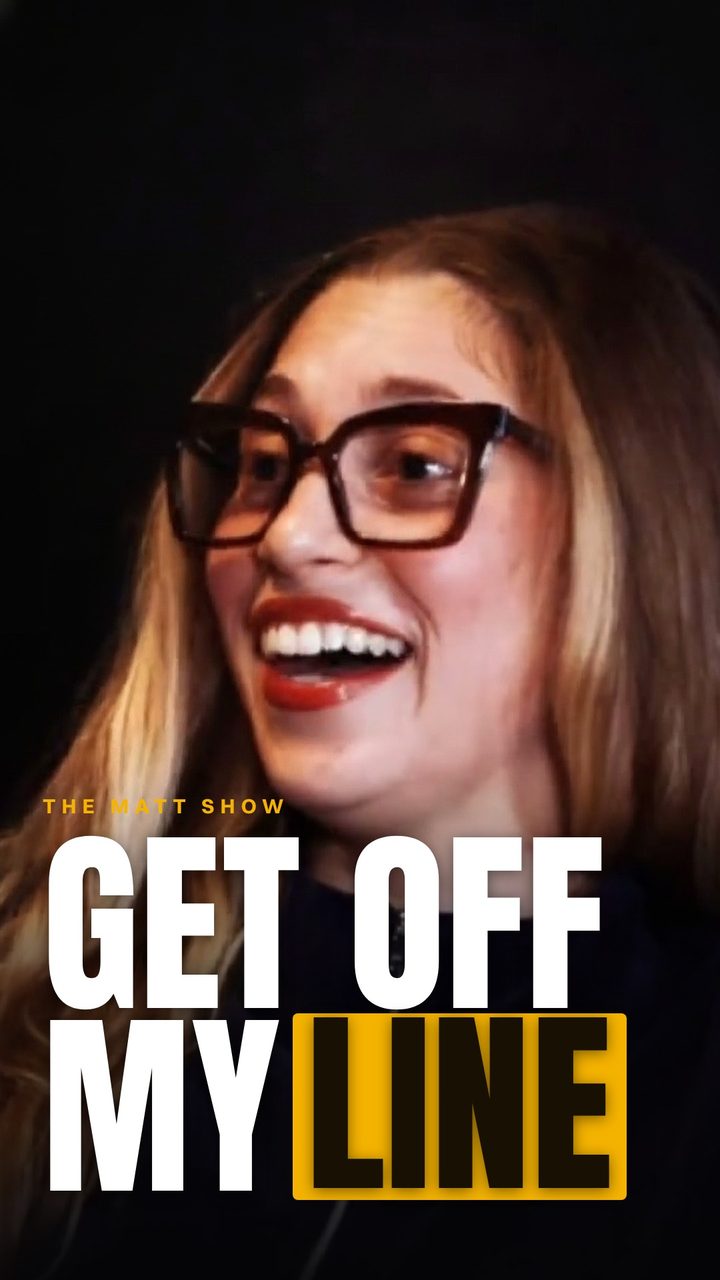
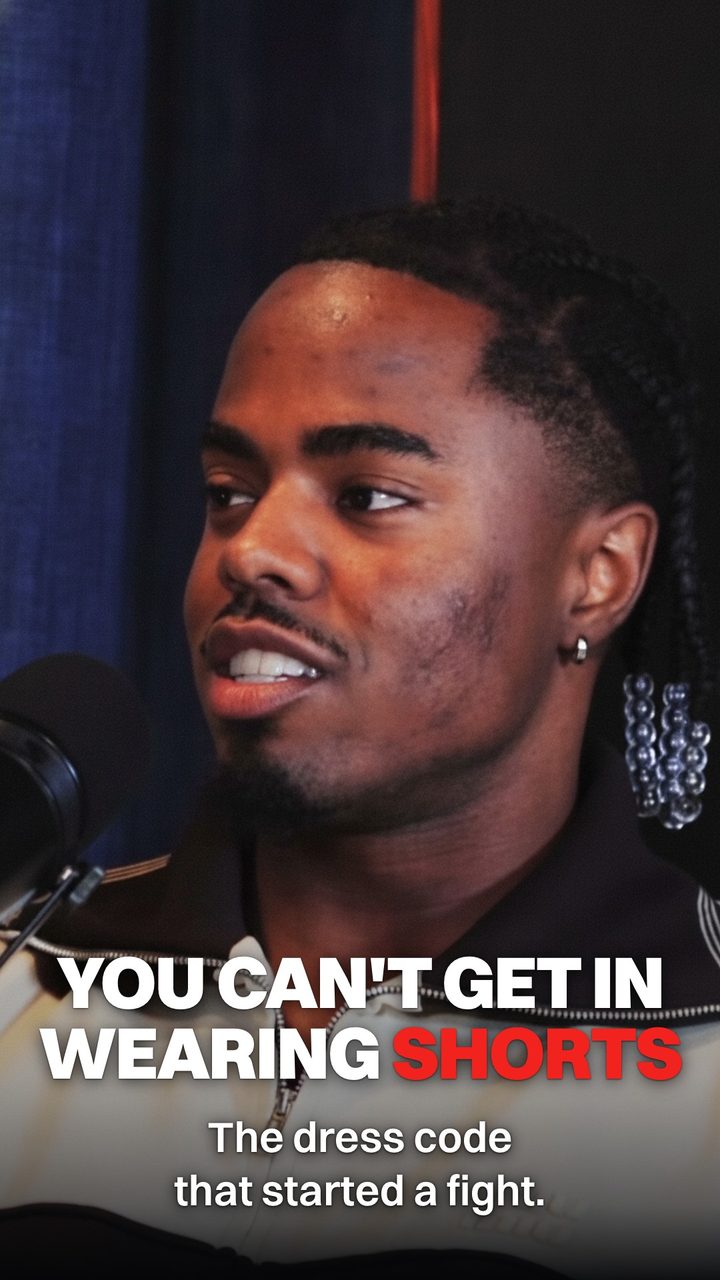
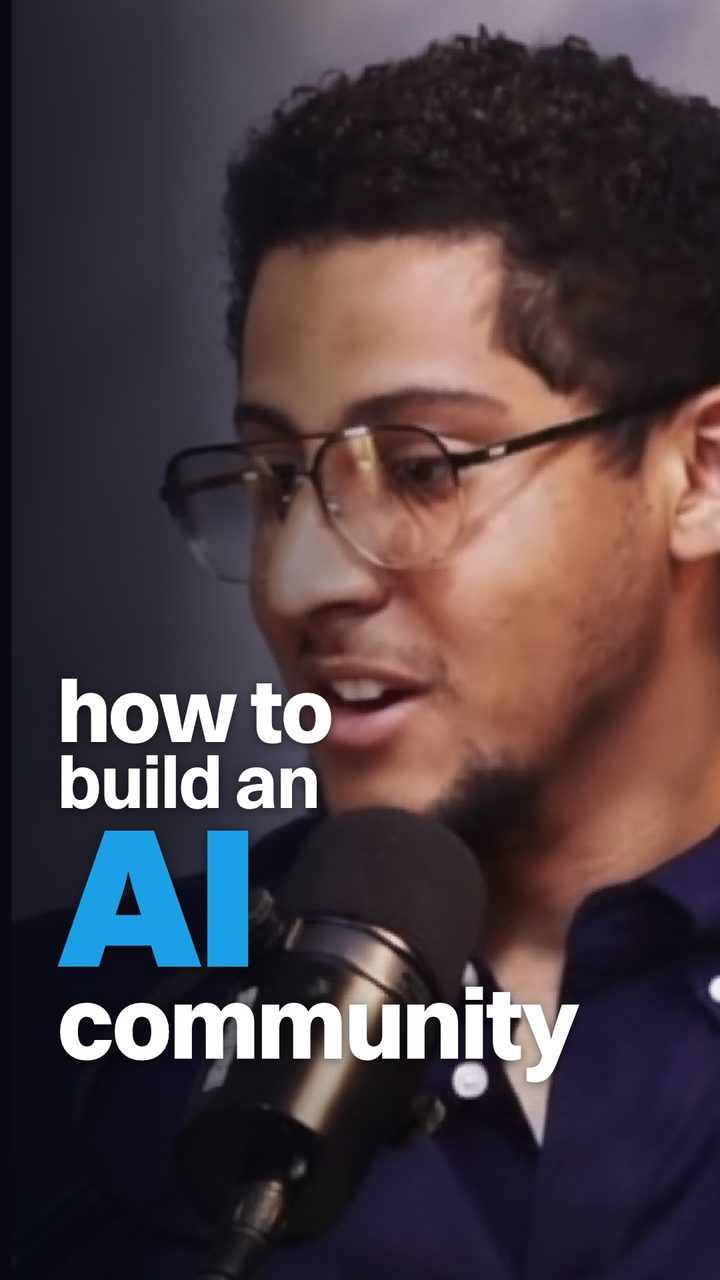
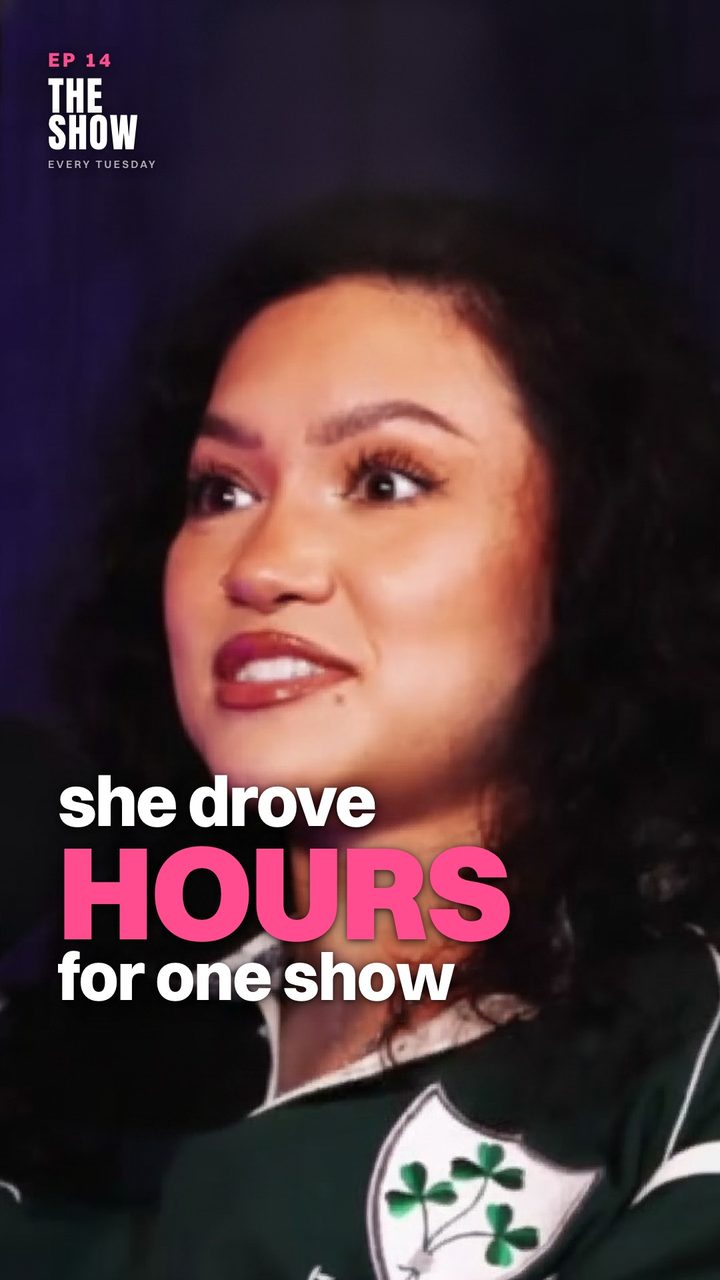
Made with ProPremium image models, no watermark. Free covers are watermarked and use lighter models, so your results will vary.
What you get
Your clips and your episodes both need a cover
Covers for your clips
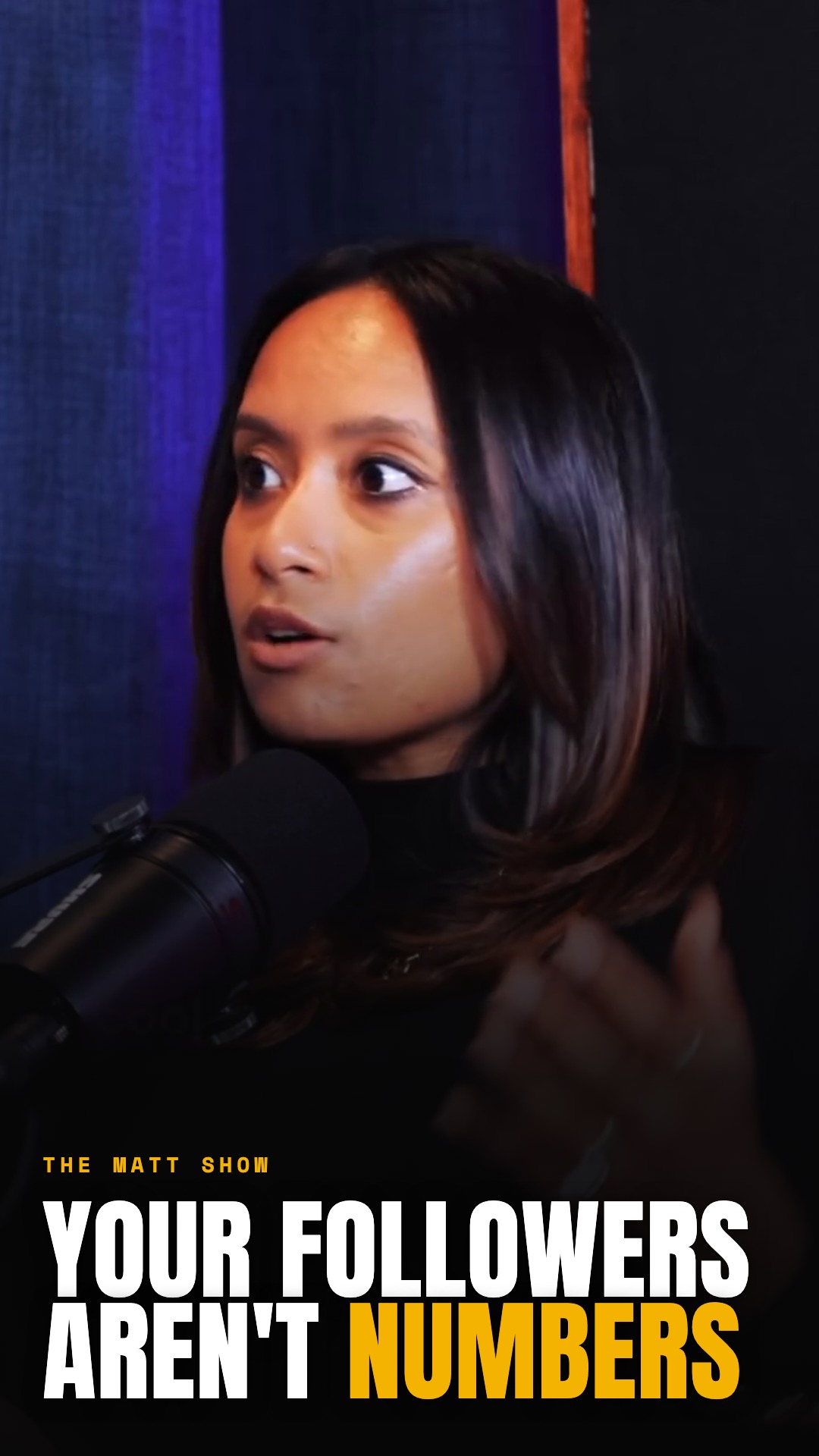
Paste a clip and get vertical covers with a real frame and a headline pulled from what was said, so your grid stops being a wall of faces.
Thumbnails for your episodes
Paste your episode link and ClipCover builds a wide thumbnail around a real frame of you or your guest, so the face on your thumbnail is really yours.
This thumbnail generator is designed specifically for podcasters. Other kinds of YouTube videos will yield poor results, but if you're a podcaster, this will work for you. Paste a link and thumbnails work on episodes up to 2 hours. Uploading a file keeps the 15-minute limit, so for a longer upload, trim it to the stretch you want the thumbnail to come from.
How it works
From podcast to cover in four steps
 01
01Paste your link
Paste a link to a podcast clip or a YouTube episode, or upload a video you own. ClipCover reads the whole thing, audio and all.
 02
02The engine designs
It finds the strongest frame of you or your guest, writes the headline from what was actually said, and composes covers in your show’s style.
 03
03Regenerate
Don't love the first take? Regenerate for new frames, a fresh hook, and a different layout.
 04
04Post it
Tweak the headline or swap the font, download the one you like, and set it as your Reel or TikTok cover, or your YouTube thumbnail.
Features
Everything a podcast cover needs, built in
ClipCover handles the design so every clip and episode you post looks like it came from the same show.

Smart hooks
ClipCover listens to the whole clip, then pulls the most quotable line from you or your guest and makes it the headline.

Stay on brand
Save your show's fonts, colors, and logo once. Every cover comes back unmistakably yours, no template wrangling.

Batch generation
Drop a whole season of clips and get a cover for every one in a single run, all in your style.
YouTube thumbnails
Thumbnails built from what actually happened in the episode
No stock faces and no invented numbers. ClipCover pulls a real frame of you or your guest and the actual quotes and figures from the episode, then composes one of ten proven layout families around them, a different one each time so your channel does not look templated.
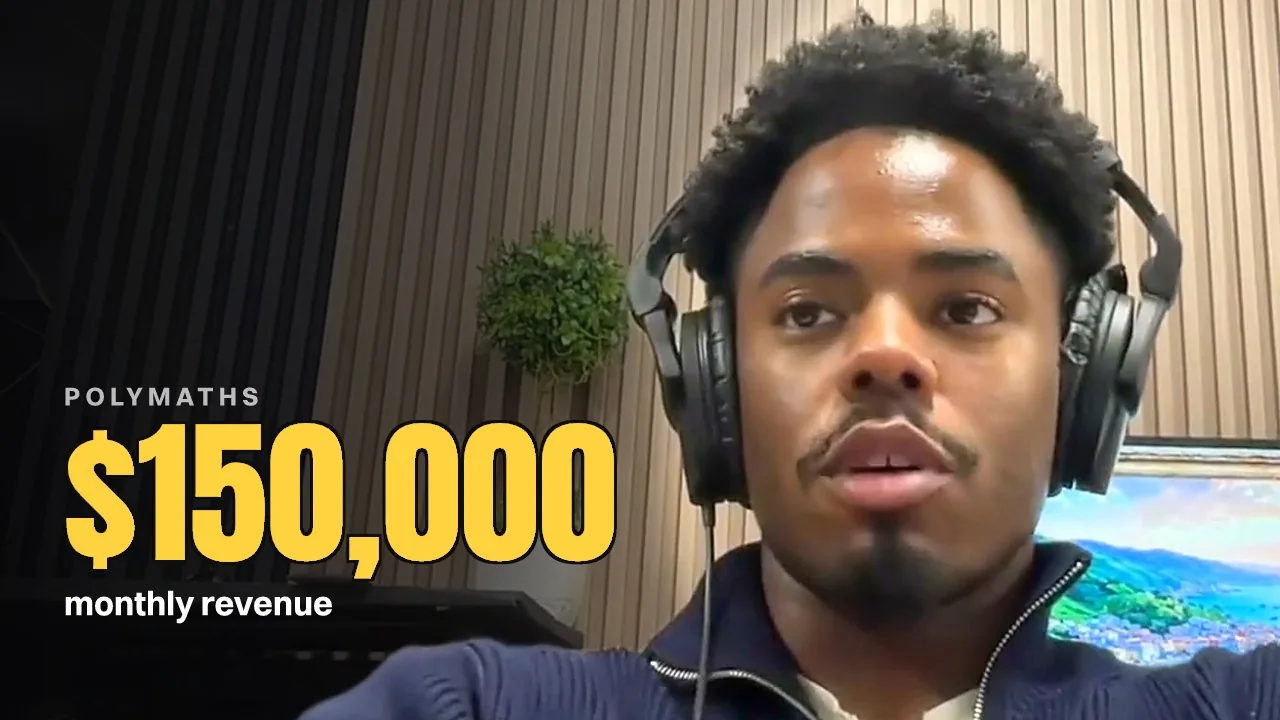
Giant number
One huge stat, the rest of the frame gets out of its way.
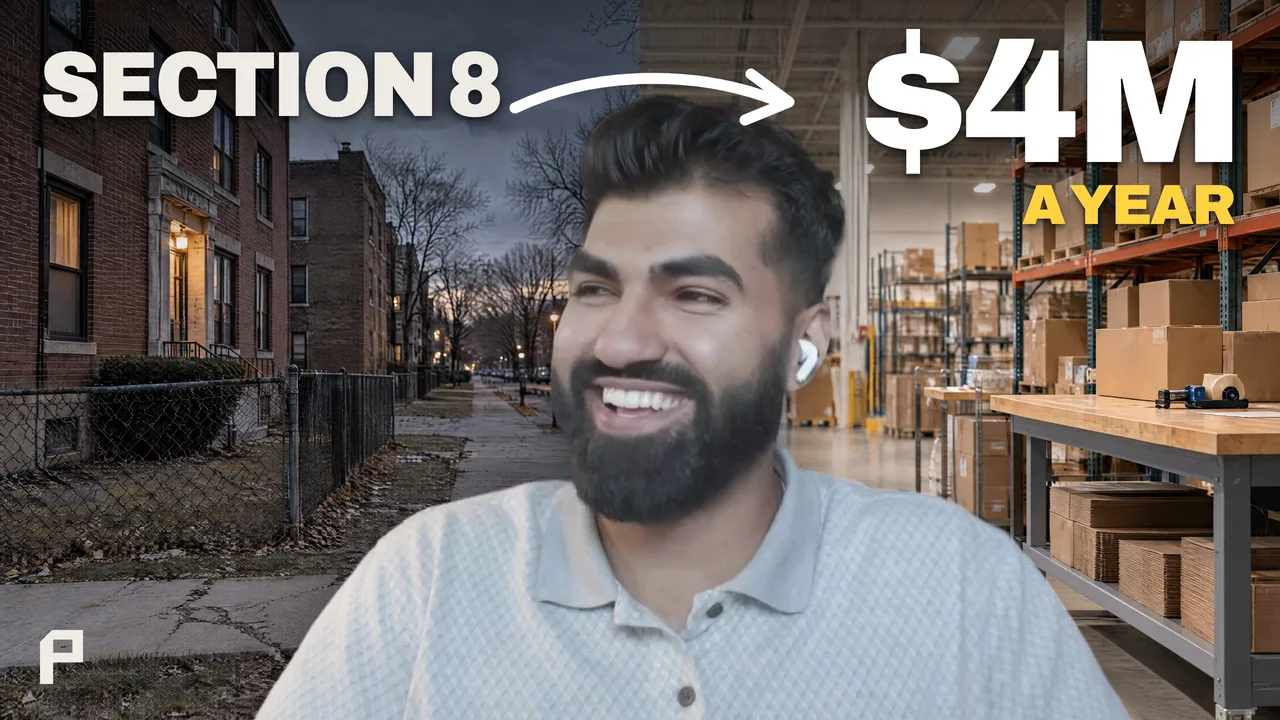
Before / after
Where they started and where they are now, one arrow apart.
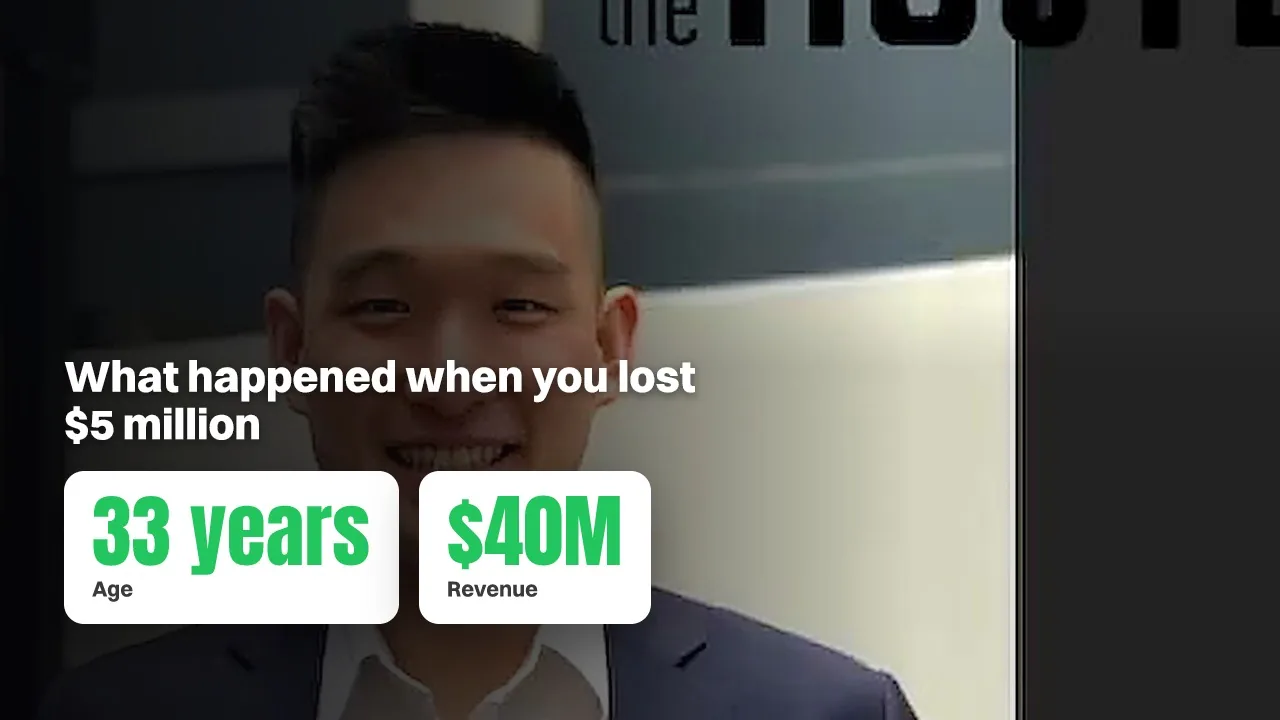
Stat cards
The episode's numbers, laid out like a scoreboard.
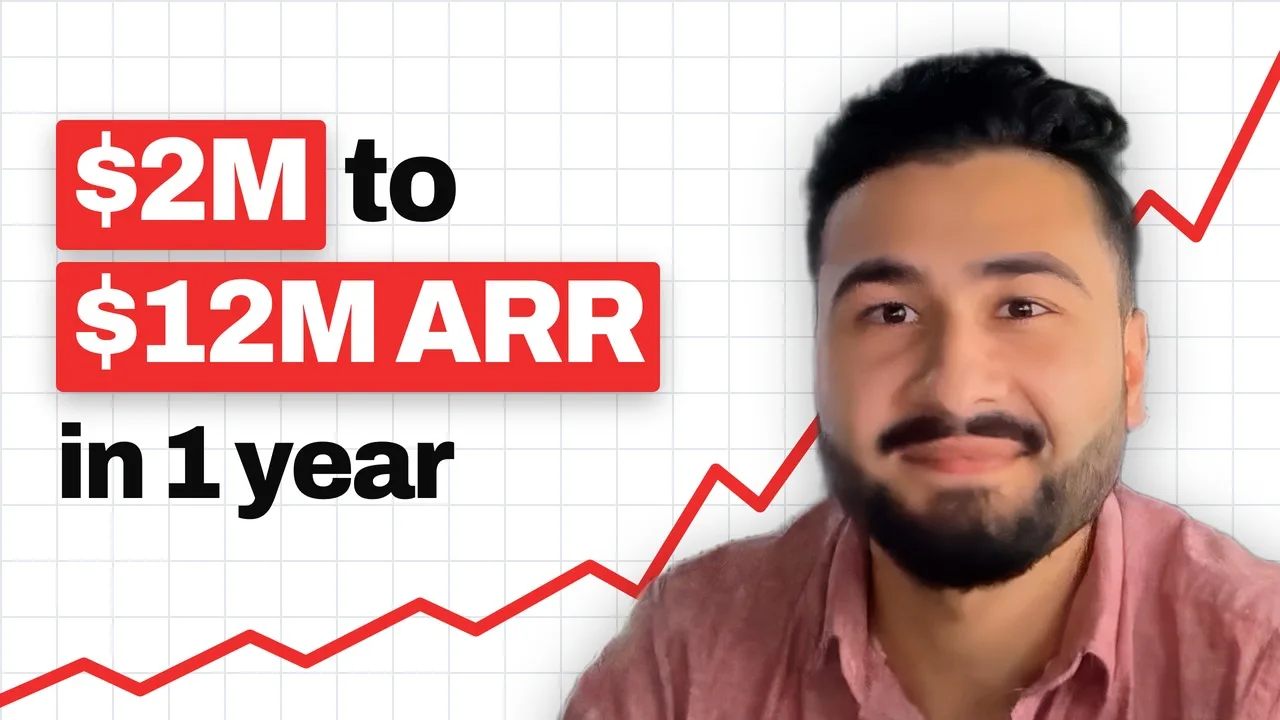
Rising chart
A line that climbs behind the number it proves.
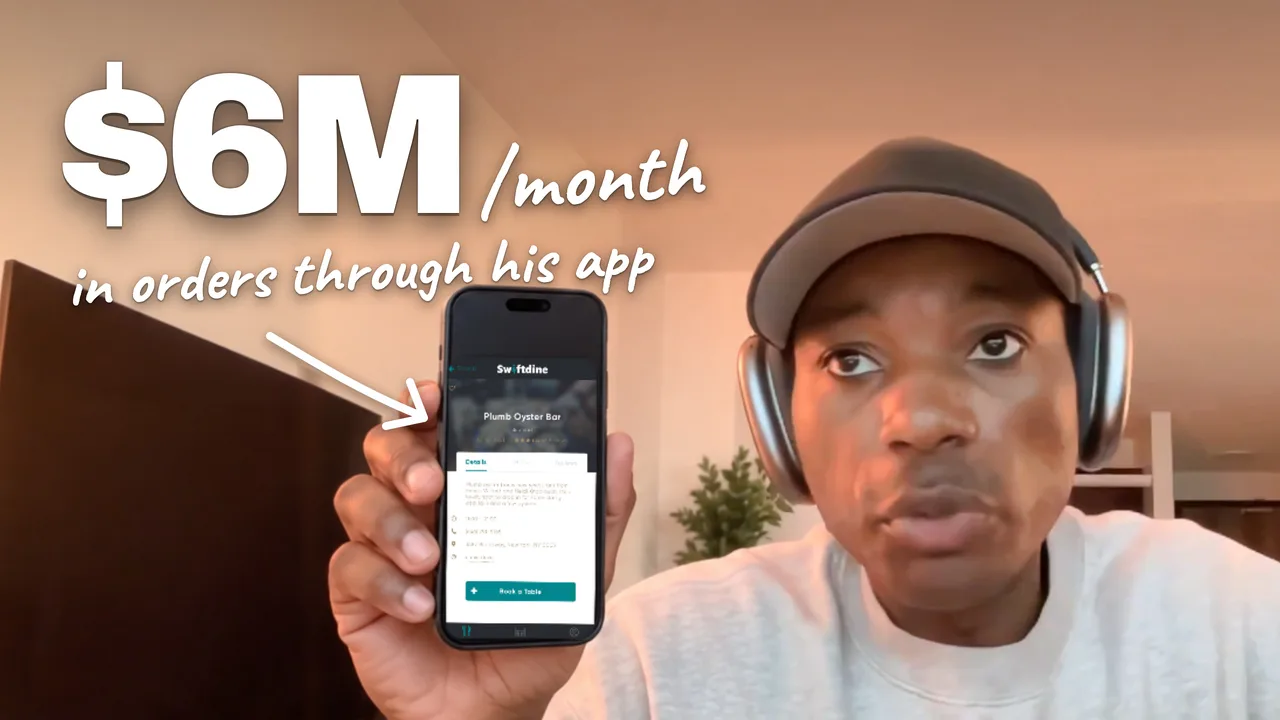
Proof prop
The thing on camera that backs up the claim.
No invented numbers
Facts about how a thumbnail gets built, not results from a customer’s channel.
Drag to compare
Same frame, real design
The frame comes straight out of your episode. ClipCover adds the layout, the type, and the headline, it never swaps in a stock photo or an AI face.
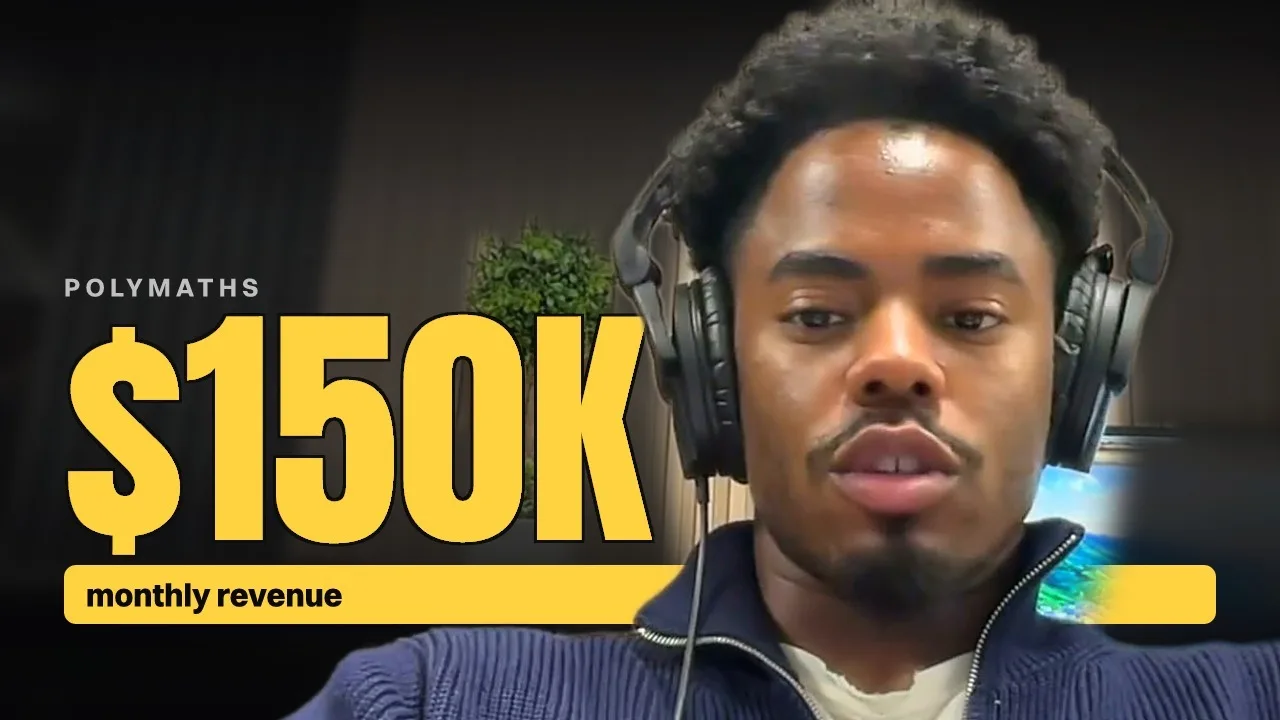
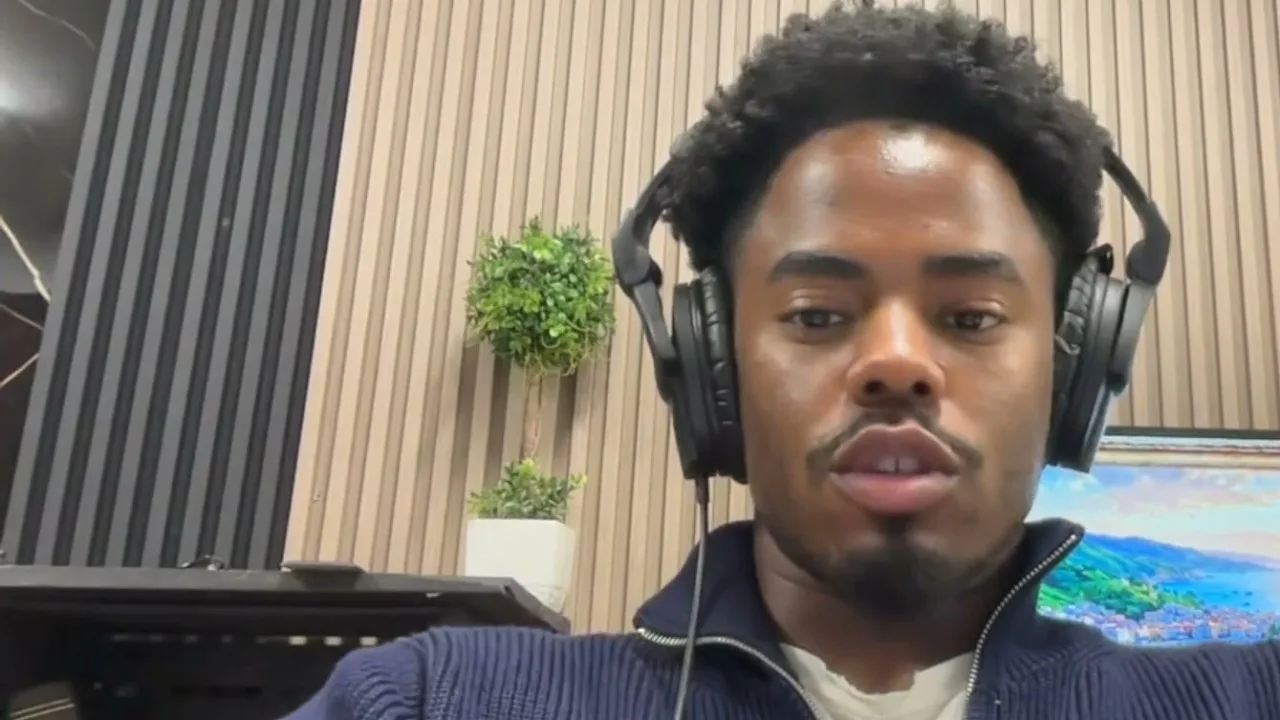
Real ClipCover output, on a loop
Built to stop the scroll next to a wall of screenshots
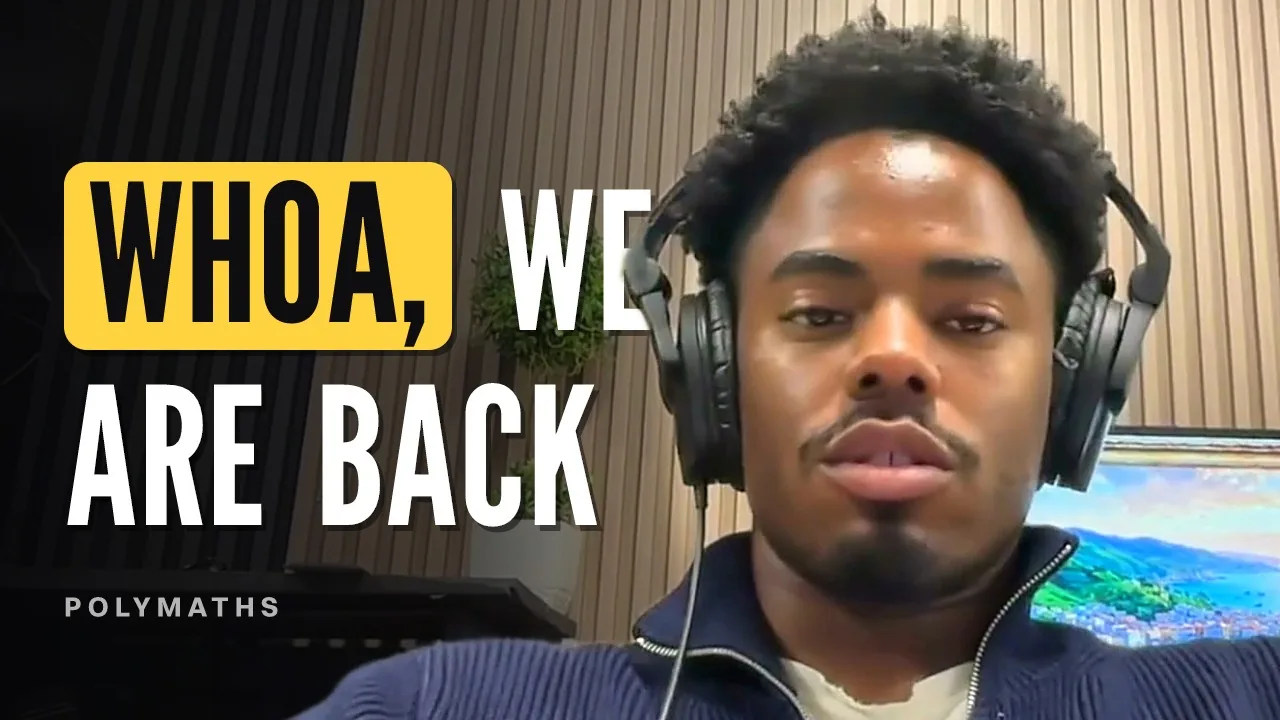
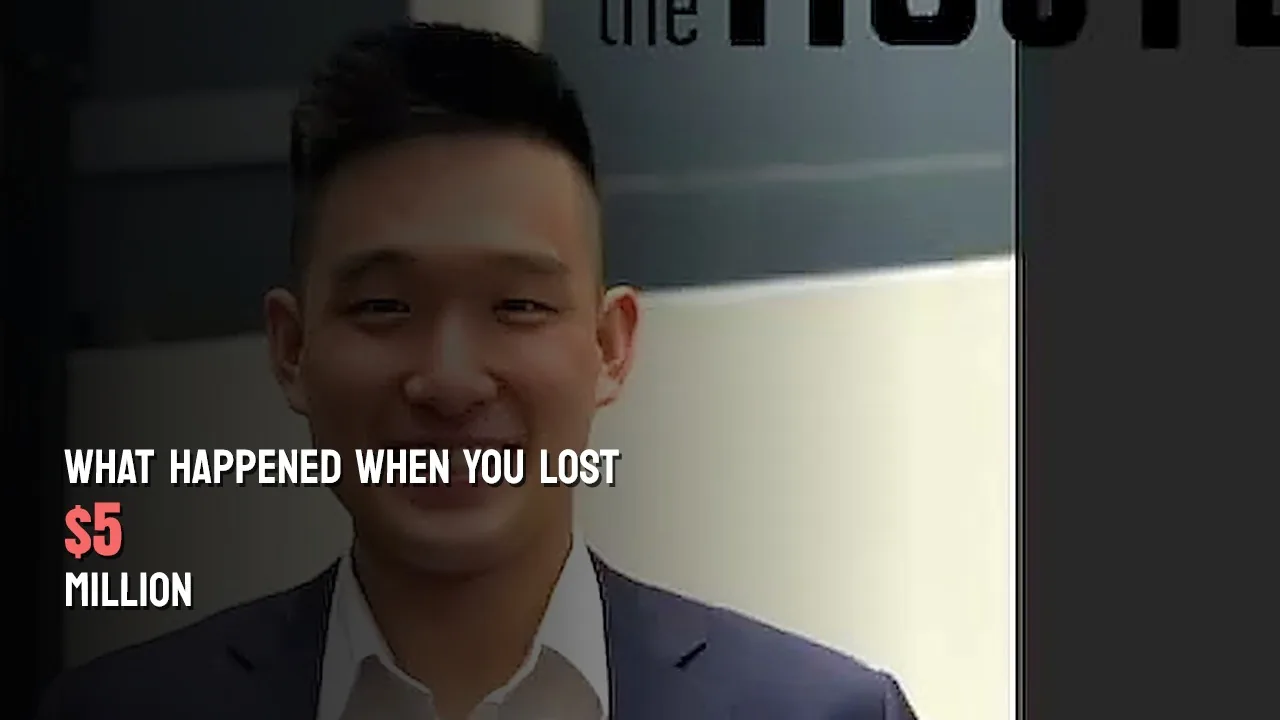
This thumbnail generator is designed specifically for podcasters. Other kinds of YouTube videos will yield poor results, but if you're a podcaster, this will work for you. Links work on episodes up to 2 hours; uploads up to 15 minutes.
Clip covers
Vertical covers for every clip you post
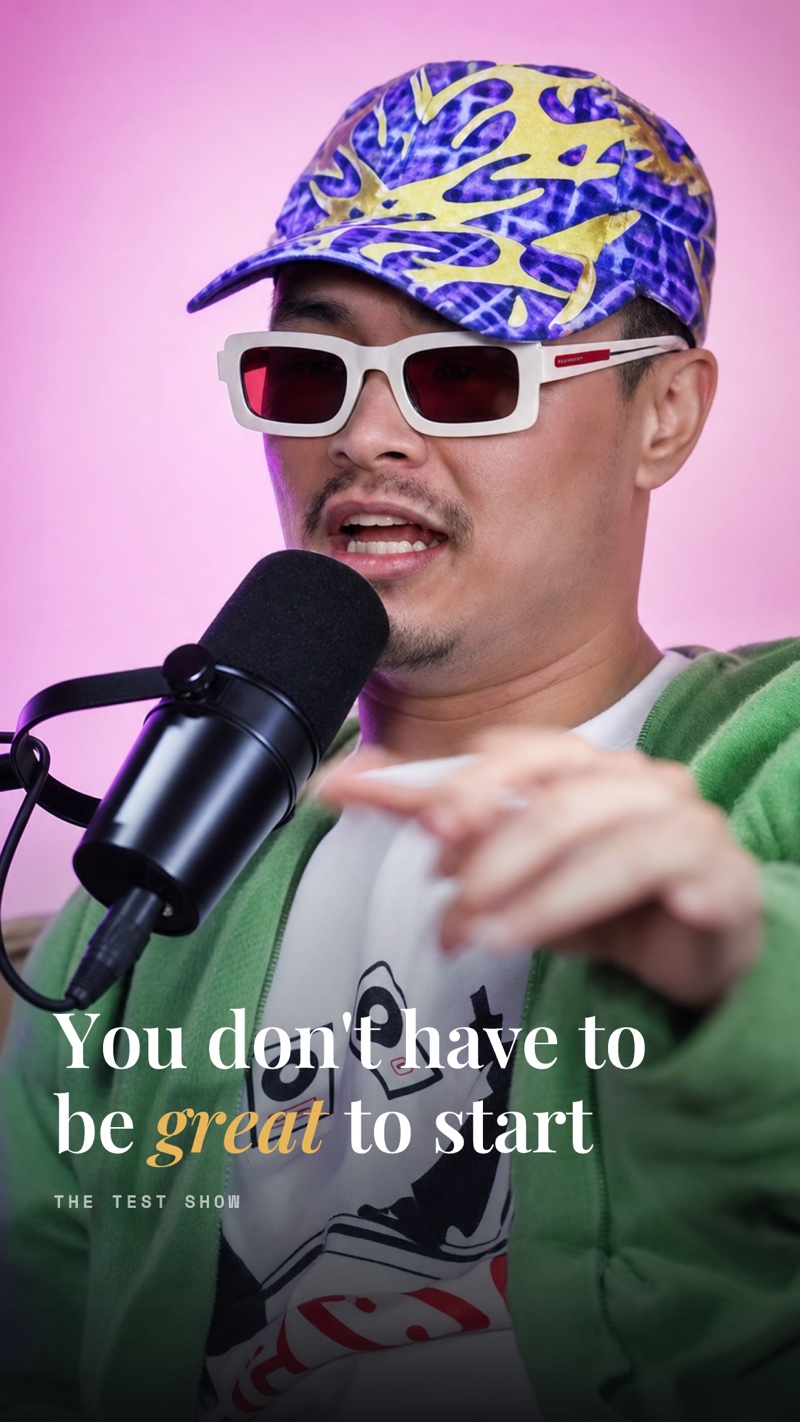
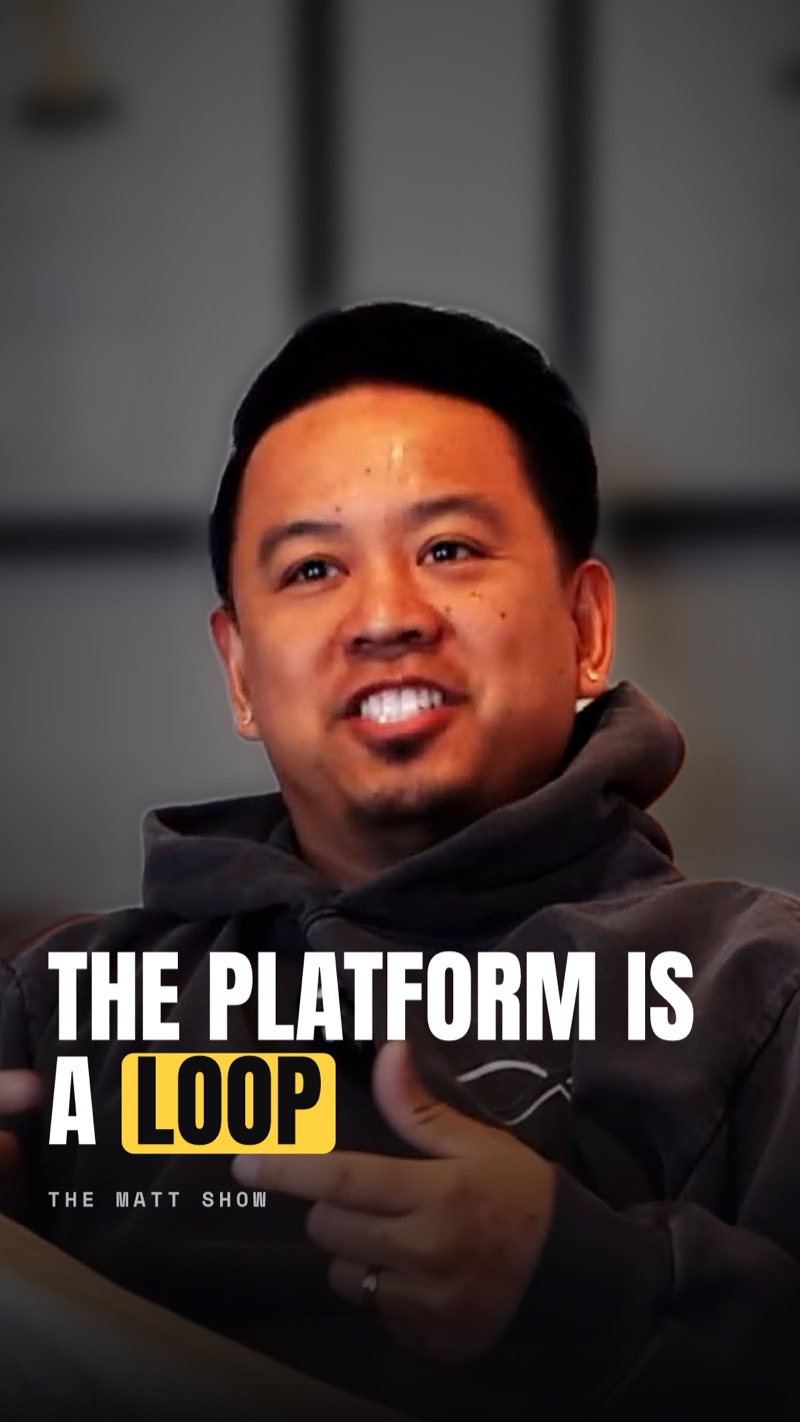
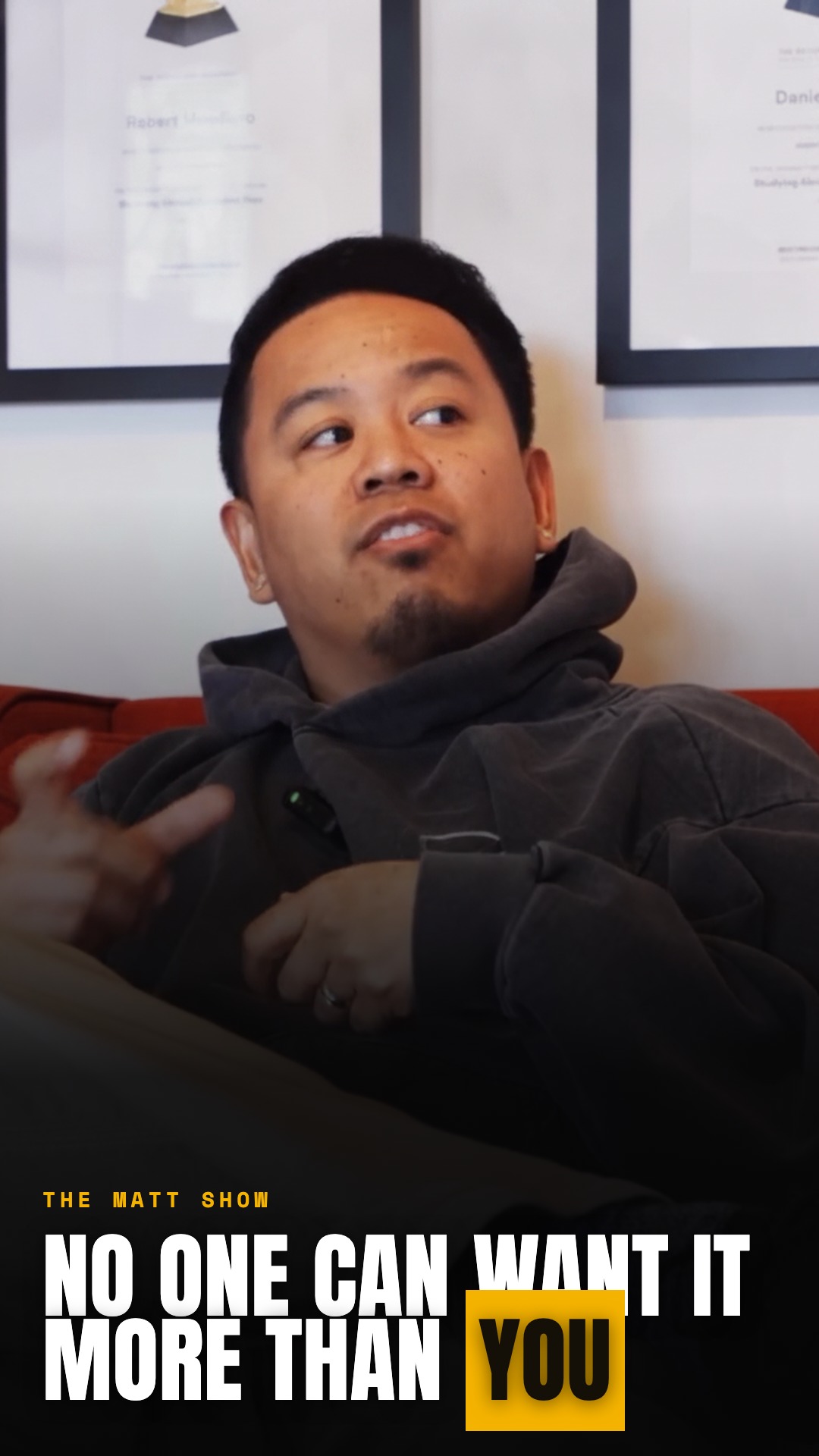
Reels, TikToks and Shorts get a 9:16 cover built from a real frame of the clip, with the line that makes someone stop and tap. Your grid stays clean and every clip reads at a glance.


Brand kits
Stay unmistakably yours
Build a kit once with your colors, typography, and logo. ClipCover treats it like a style guide and replicates your brand across every cover, automatically.
Build a kit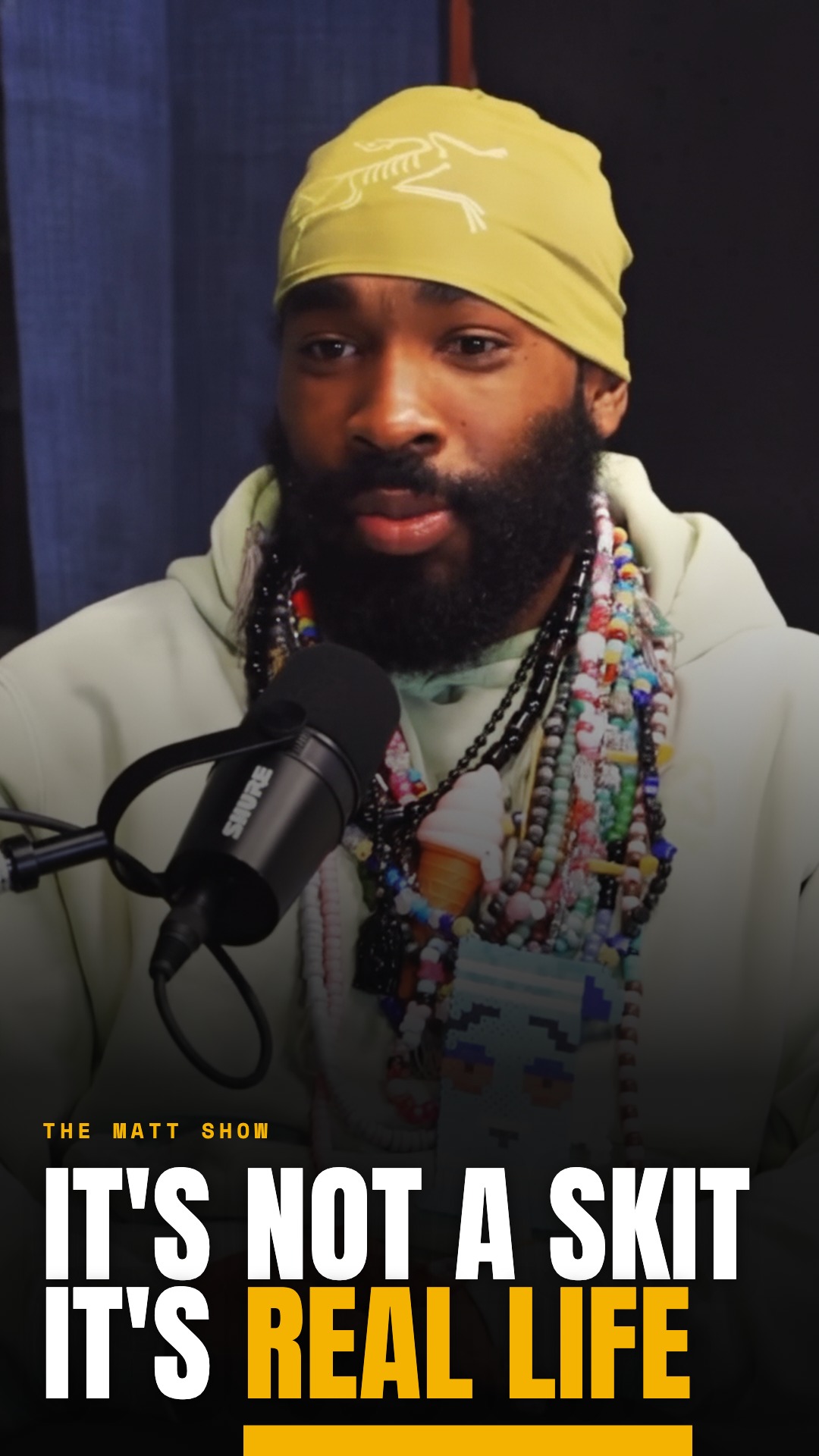

Made for where your show gets posted
Pricing
Free to start, premium when you want the wow
Two currencies. Covers are your everyday screenshot covers, generous on every plan. Studio Credits unlock premium covers made with better image models, on Creator and Studio.
 Free
Free
$0
- 10 covers a month
- Clip covers and episode thumbnails
- ClipCover watermark
- No premium image models
- No brand kits or style guides
- One trial batch, no custom fonts
 Credit packs
$12/60 credits
- Credits never expire
- 60 · $12 or 200 · $36
- Spend on premium image models
- Buy anytime from your account
 Creator
$15/mo
- No watermark
- 150 covers + 25 credits
- Brand kits, batch, font swaps
- A taste of premium models
 Studio
$39/mo
- Everything in Creator
- 600 covers + 150 credits
- Premium covers with better image models
- Priority support, unlimited kits
Standard covers are nearly free to make, so one generation counts as a single cover even when you ask for three ideas. Enhancing a cover runs on premium AI image generation and uses up to 3 credits per image, plus 2 for a 4K export. If an enhance fails, no credit is spent. Subscription credits refresh monthly, pack credits never expire, and enhanced covers never run on the free tier.
Cancel anytime. Yearly billing saves about 20%. Free covers are live now, start above.